Search Modes
sessfind supports four search modes. Use Shift+Tab in the TUI to cycle between them, or pass --method in the CLI.
FTS — Full-Text Search
The default mode. Powered by tantivy with BM25 ranking.
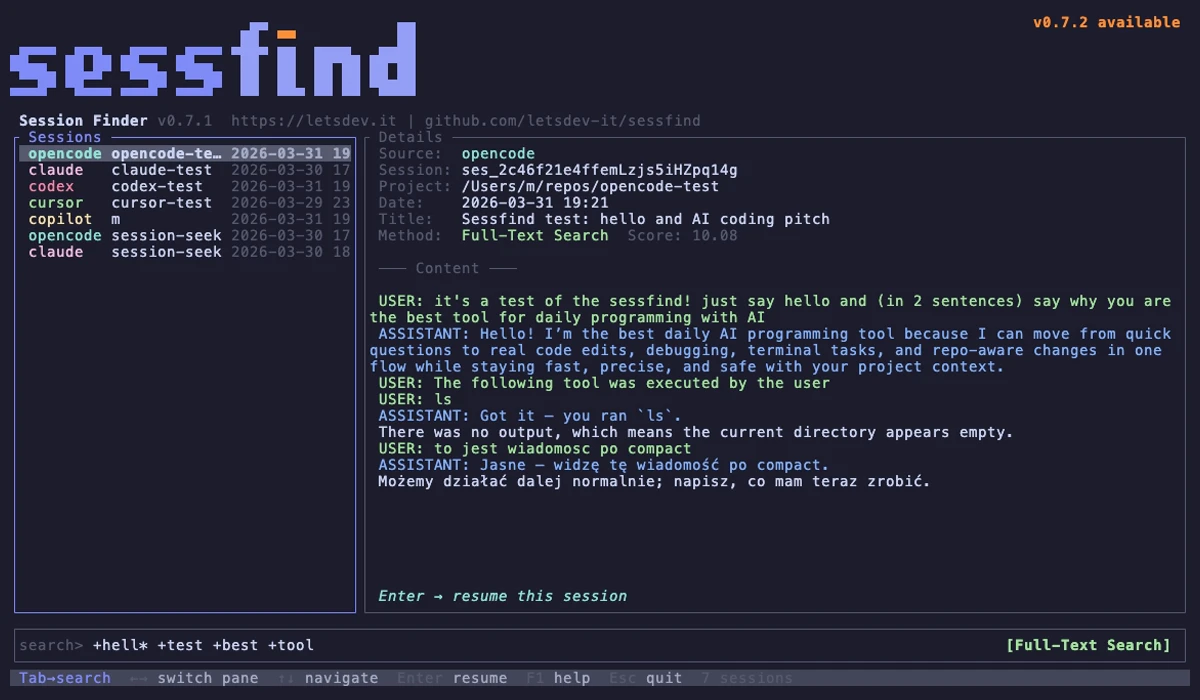
shopping                single keyword
shopping assistant      any of these words (OR)
+shopping +assistant    all words required (AND)
"shopping assistant"    exact phrase
shopp*                  prefix wildcard
Tip
FTS is fast and works well for most queries. Use it when you remember specific keywords from a session.
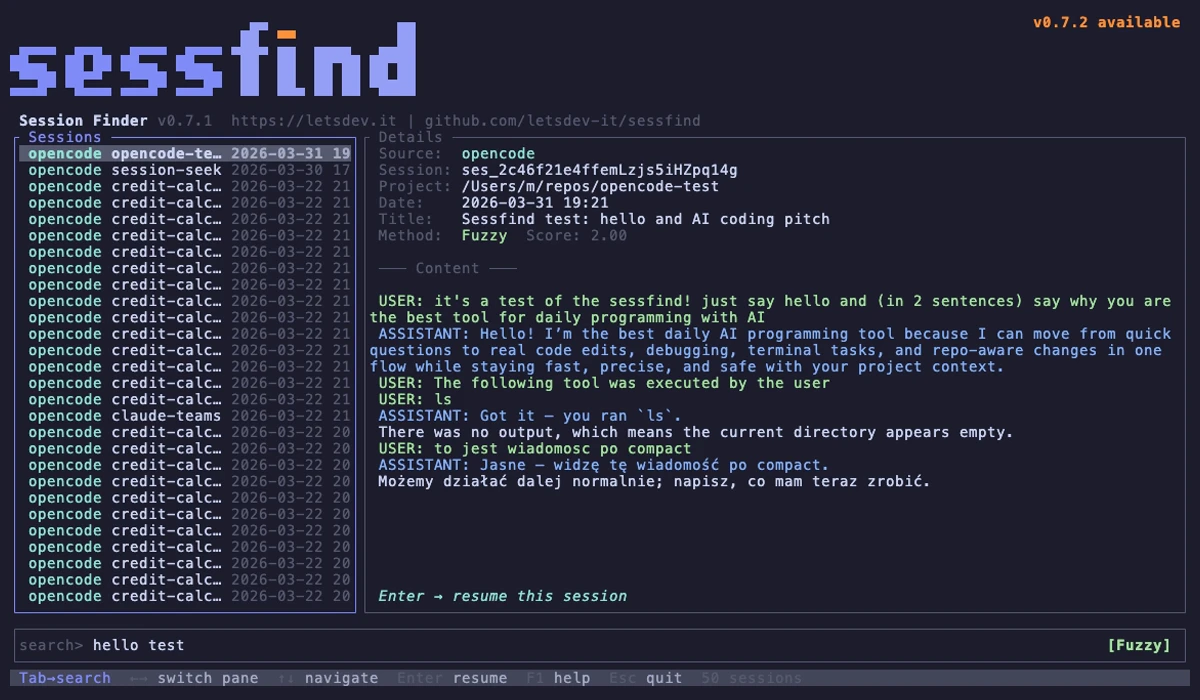
Fuzzy Search
Case-insensitive substring match across content, project name, and title. Good for short, approximate queries.
LLM Search
Agentic search using your installed AI CLI tools (Claude Code, OpenCode, Copilot). Each detected tool appears as a separate mode in the TUI: LLM (claude), LLM (opencode), etc.
How it works:
- You type a natural language query (e.g., "that conversation about fixing CI")
- Press
Enterto trigger the search - The LLM analyzes your intent and generates optimized FTS queries (synonyms, related terms, multi-language)
- sessfind executes each generated query and merges the results
Auto-detection
No extra installation needed. If you have claude, opencode, or copilot on your PATH, the LLM mode appears automatically. The LLM is invoked in headless mode (e.g., claude -p).
Multi-provider
Each detected AI tool becomes its own search mode. You can try the same query with different LLM backends.
Semantic Search
ML embedding similarity search. Finds conceptually similar sessions even when exact keywords don't match.
- Requires the
sessfind-semanticplugin - Supports Polish and English (and 100+ languages via multilingual-e5-small)
- Press
Enterto trigger (not instant — runs the ML model)
Warning
Semantic search is slower than FTS or fuzzy because it runs a local ML model. The first run downloads the model (~450MB).